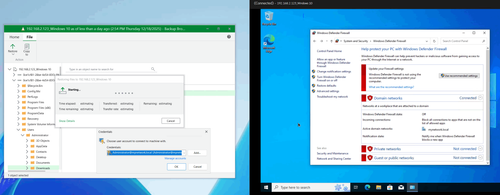
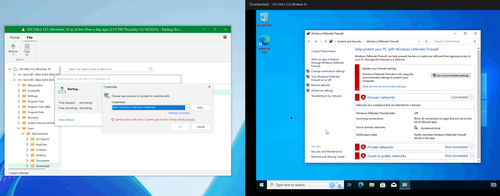
I'm using VSA 13.0.1 and backup HPE VME Windows 10 VM. Backup and Restore entire VM work well, but I meet the error when I try to restore guest file by Veeam explorer. I've already tried to turn off firewall, UAC, allow File and Printer Sharing but it didn't work.
I did some tests with adding my windows machine to a domain.
FLR worked for me in both cases - when specifying login through "domain\username" and through "username@domain".
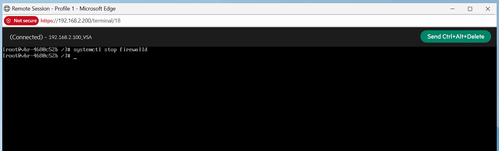
What about firewall settings on VBR side? You can try disabling firewall on VBR as well and check restore once again.
For me this one helped. Could you please install Veeam Deployment Kit on you guest Windows VM (just upload the whole kit there and execute InstallDeploymentKit.bat under Administrator): https://helpcenter.veeam.com/docs/vbr/u ... tml?ver=13
After that restore should work. Though you would have to specify target directory for restored file manually (but both options Keep and Overwrite should work fine after that).