Hello!
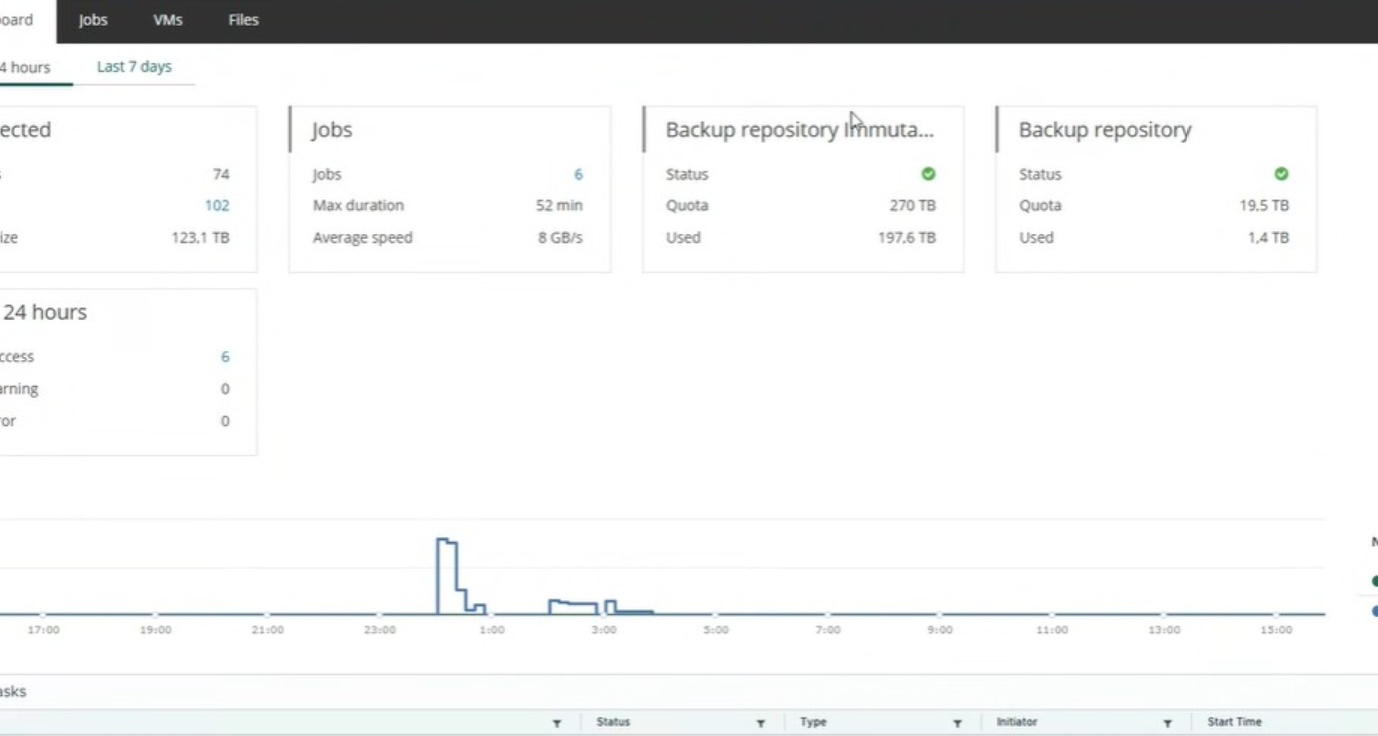
A client reached out to us with a screenshot:
showing two repositories in the Self-Service Portal dashboard: a regular and an immutable one. They asked if I could do the same. I checked the VEM docs but I couldn't figure out how to do it. It doesn't look like we can assign more than one repository to a tenant. I tried assigning an immutable S3 repository and SOBR with immutable Capacity Tier, but both are shown as a single repository without any mentions of immutability.
Do you know how this was done?
Hello! This is accomplished by adding two separate organization registrations in Self-Service in Enterprise Manager in the vCloud section for the same Organization for the two separate repositories or SOBRs that are added to the Veeam Backup and Replication installation. This will give whoever accesses the self-service portal the ability to utilize either repository option as a target when creating jobs with self service. You can actually see this exact configuration being done in the User Guide here: https://helpcenter.veeam.com/docs/vbr/e ... tml?ver=13